Connecting AI to Your Systems
MCP is an open standard that lets AI assistants securely look things up in, and act on, a company’s own systems — its database, its ticketing, its internal tools. DevMations builds these connections so an assistant can be genuinely useful about your business without being handed the keys to everything.
Also called MCP · Model Context Protocol · AI tool integration · LLM connectors
Why teams call us about this
Your AI assistant is impressive until someone asks it something about your own company, at which point it knows nothing. Connecting it to your internal systems is the obvious fix and the obvious risk — the careless version gives an AI broad access to your data and hopes for the best. What you need is a narrow, specific, logged connection.
What you get out of it
- Staff can ask an assistant real questions about your business and get real answers
- It can only see what the person asking is already allowed to see
- Every single thing it accessed is logged, so a security review is straightforward
What you actually receive
Working software and documentation — not a report recommending that somebody else build it.
A secure connection to your systems
Built to an open standard, so it works with whichever AI assistant you use now and whichever you move to later.
Deliberately limited abilities
We decide together what the assistant should be able to do — and, more importantly, what it must never be able to do. That conversation is the security design.
Permissions that follow the person
The assistant can never show someone information they could not have looked up themselves. Your existing access rules carry straight through.
A complete record
Every request logged with who asked, what was accessed and what came back. This is the evidence your security or compliance review will want.
Documentation your team can build on
So adding the next capability does not require calling us back.
The engagement
- 01
We agree what it may and may not do
Starting with the second half of that sentence. Deciding what is off-limits is quicker and safer than deciding what is allowed.
- 02
We design how it asks
And test that the AI uses it correctly, because a connection that gets misused is worse than none at all.
- 03
We build it properly
Access control, rate limits and logging built in from the start, not added after a security review asks for them.
- 04
We deploy and document it
Onto your infrastructure, with monitoring and a guide for extending it.
Under the hood
The specifics, for whoever on your side will be reviewing this. If that is not you, nothing below changes what you get — skip to the work.
- Spec-compliant MCP server
- Tools and resources exposed over the Model Context Protocol, so any MCP-capable client works without a bespoke integration per assistant.
- Tool granularity
- Interfaces scoped to user intent rather than mirroring your schema. Tools with a dozen optional parameters produce malformed calls regardless of which model is driving.
- Authorisation
- The caller’s identity carried through to each tool invocation and enforced at the data layer — not filtered after retrieval, which leaks through error messages and timing.
- Audit logging
- Structured logs of caller, tool, arguments and result size, retained to your policy and queryable.
- Deployment
- Containerised, health-checked and monitored, deployed into your own infrastructure rather than ours.
What we use
- Model Context Protocol
- TypeScript
- Python
- Node.js
- PostgreSQL
- Docker
- OAuth 2.0
- AWS
Where we have done this
Live deployments you can open.
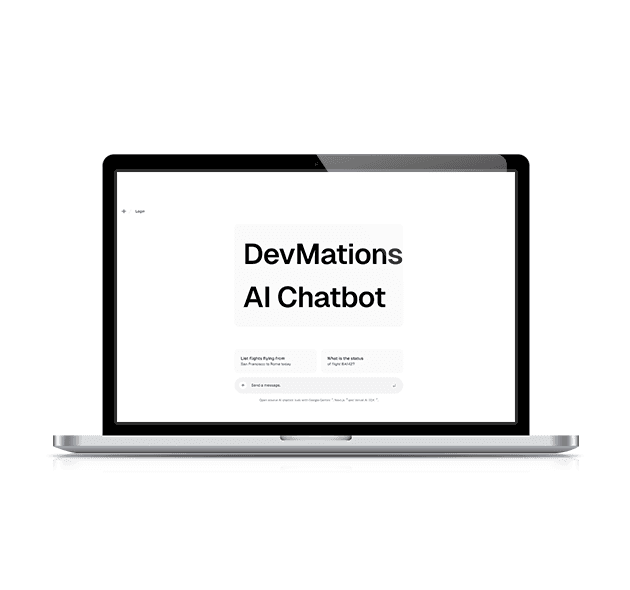
DevMations AI
A retrieval-backed assistant that answers questions from a business knowledge base in real time, built as our own reference implementation of a production RAG stack.
Open live site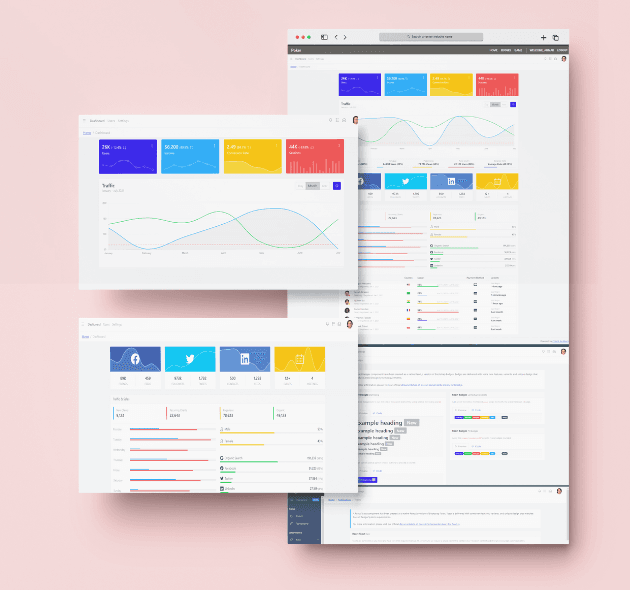
Analytics Dashboard
A configurable reporting dashboard with authentication, role-based views and interactive data visualisation.
Open live site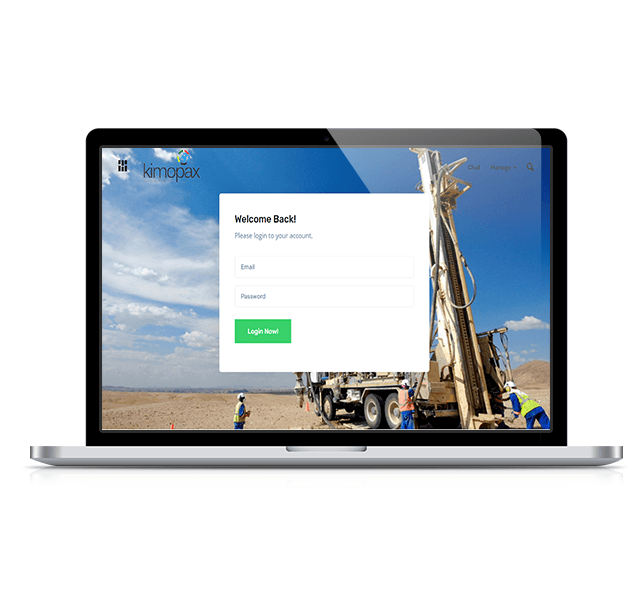
Upbeat Galileo
A user management tool handling roles, permissions and access control, with onboarding automation and audit trails.
Open live siteConnect AI to Your Systems — questions
- Is it safe to connect AI to our internal data?
- It is if the connection is built narrowly. The assistant only gets the specific abilities you approve, it can never see more than the person using it is allowed to see, and everything it does is recorded. The unsafe version is the shortcut where an AI is handed broad database access.
- What if we change AI providers later?
- That is the main reason to build it this way. Because it follows an open standard, the same connection works with a different assistant — you are not rebuilding the integration each time you switch.
- Our systems have no modern interface. Can you still do it?
- Usually yes — through the database, an internal service, or a purpose-built adapter. The harder question is normally permissions rather than access, and that is worth taking time over.
- Could it delete or change something by accident?
- Not unless you ask for that ability. By default we only expose actions that read information. Anything that changes data sits behind explicit confirmation and is logged.
Thinking about Connect AI to Your Systems?
Describe what you have and what is going wrong with it. We will tell you what we would do first, and whether it is worth doing.
Book a call