Mobile App Development
DevMations builds mobile apps that run on both iPhone and Android from a single codebase, covering design, build, app store submission and updates. The work includes AI features where they belong, built to mobile constraints on speed and battery.
Also called React Native · iOS · Android · cross-platform apps
Why teams call us about this
Mobile is unforgiving in ways the web is not. Poor signal, older phones, background behaviour, notification permissions, and an app store review that can reject you for something nobody warned you about. None of that appears in a design file, and all of it decides whether people keep the app.
What you get out of it
- One app, both app stores, one build to maintain instead of two
- It works on a bad connection and an old phone, not just a new one on office wifi
- You can ship a fix without waiting days for app store approval
What you actually receive
Working software and documentation — not a report recommending that somebody else build it.
One app for both platforms
iPhone and Android from a single build, dropping to platform-specific code only where the phone genuinely requires it.
It works without signal
Designed for patchy connections from the start, because losing connection is normal use rather than an error.
AI features sized for a phone
Assistants, search and generation built with battery and waiting time treated as real constraints.
Getting through app store review
Submission, store listings, and dealing with the rejections — which are common and rarely well explained.
Fast updates after launch
Many fixes can go straight to users without another review queue, so a problem does not sit live for a week.
The engagement
- 01
We settle the constraints
Which platforms, how old a phone you need to support, what the app needs from the device. These shape everything else.
- 02
We build the core
The main screens and flows, running on real phones from the first week rather than only on a developer’s simulator.
- 03
We test it where it fails
Older devices and poor connections — where apps actually break, and where testing is usually skipped.
- 04
We ship it
App store submission, update process, and monitoring so you learn about crashes before your reviews do.
Under the hood
The specifics, for whoever on your side will be reviewing this. If that is not you, nothing below changes what you get — skip to the work.
- Stack
- React Native with Expo where its constraints fit, native modules where they do not. TypeScript throughout.
- Offline and sync
- Local persistence with explicit conflict resolution, and an outbox for writes made without connectivity.
- Performance
- Profiled on low-end hardware. List virtualisation, image caching and bridge traffic minimised where it matters.
- Release pipeline
- Fastlane for signing and submission, over-the-air updates for JavaScript-level fixes, Sentry for crash reporting.
- Backend
- API designed for mobile constraints — payload size, retry semantics and pagination — since most mobile performance problems are API design problems.
What we use
- React Native
- Expo
- TypeScript
- Firebase
- Node.js
- Fastlane
- Sentry
Where we have done this
Live deployments you can open.
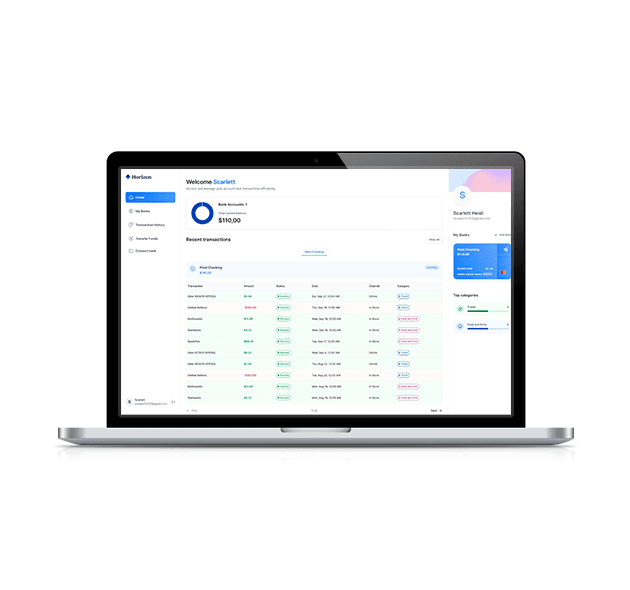
FinX Banking
A personal banking product with Plaid account linking and Dwolla transfers, covering multi-account balances, transaction history and bank-to-bank payments.
Open live site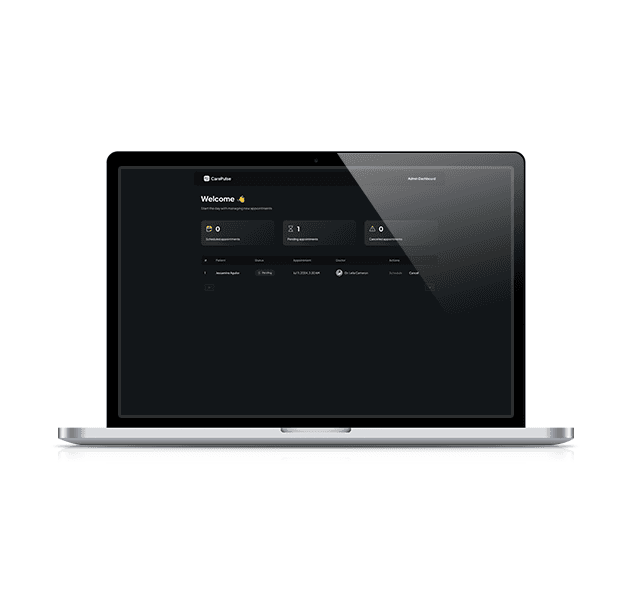
Care Plus
A patient-facing health platform with appointment scheduling, secure record access and telemedicine session support.
Open live site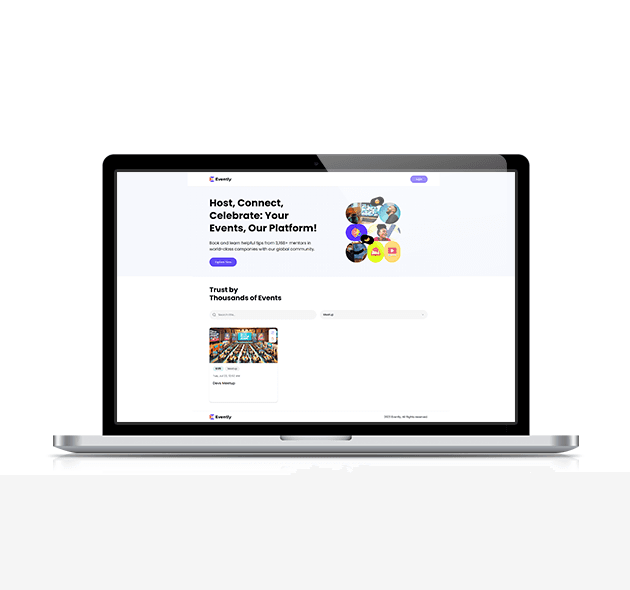
EventFlow
An event management app covering scheduling, ticketing, reminders and real-time attendee updates.
Open live site
Hardcore Villani
A multi-category e-commerce app with catalogue, cart and order management.
Open live siteMobile Apps — questions
- Should we build one app or two separate ones?
- One, for most products — it is roughly half the cost to build and to maintain, and users cannot tell. Two separate native apps earn their cost when the product is built around something heavy like continuous camera processing or live audio.
- Whose app store accounts do we publish under?
- Yours, and we would push back if you suggested otherwise. Your company should own the store listings, the reviews and the signing keys.
- Do you build the system behind the app too?
- Yes. Most mobile problems turn out to be problems with the system feeding the app, so it helps considerably that the same team owns both.
- How long does app store approval take?
- Usually a few days once the submission is correct, but first submissions are frequently rejected for reasons that are not obvious. We handle that back-and-forth and build the timeline around it.
Thinking about Mobile Apps?
Describe what you have and what is going wrong with it. We will tell you what we would do first, and whether it is worth doing.
Book a call